Sony BRAVIA Theater Trio Review: Sub 9, Rear 9 & Quad Compared

Sony BRAVIA Theater Trio Review video cover
Play

We’ve reviewed many of Sony’s soundbars over the last few years, along with alternatives like the HT-A9 and BRAVIA Theater Quad. Some of the products that have impressed us most have been those alternatives. The Quad took four separate wireless speakers and created a surround experience that made us reconsider how much a convenient living-room system could accomplish. Even without a dedicated center speaker, we thought its phantom center did a surprisingly good job of placing dialogue on the screen.

Now Sony has given us another option with the BRAVIA Theater Trio. This time, you get separate left and right front speakers plus an actual center channel beneath the TV. From there, you can add wireless surrounds and one or two matching subwoofers. It’s an appealing approach for a large-screen living room, but the complete package gets into serious home theater money.

In this review, we’ll explain the design, how it sounds, what the Sub 9 and Rear 9 add, and which upgrades we’d prioritize. We’ll also compare it with the Quad and explain when we’d look at an AV receiver and conventional speakers instead.

Sony BRAVIA Trio

What Is the Sony BRAVIA Theater Trio?

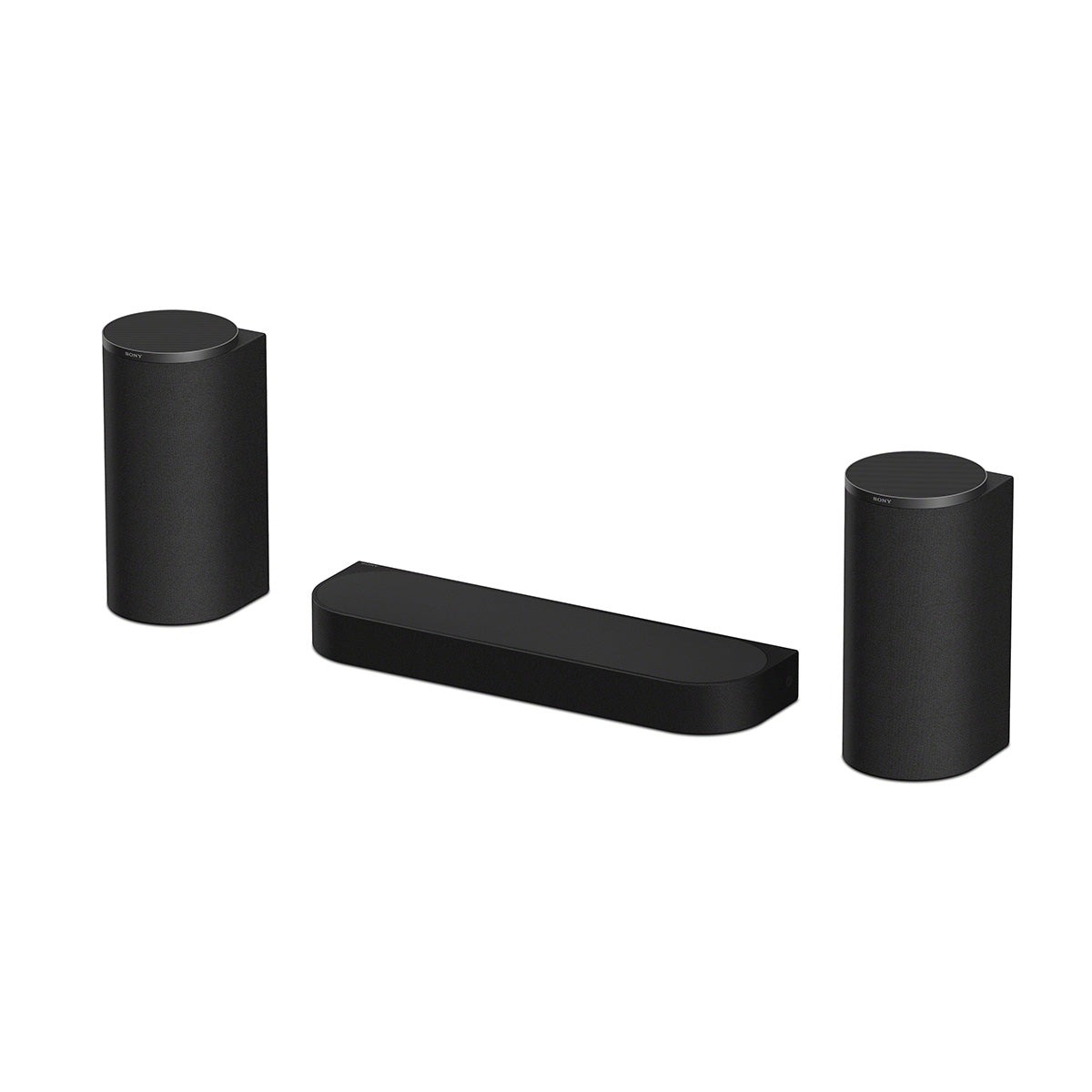
The Sony BRAVIA Theater Trio, model HT-A8, is a powered three-speaker home theater system with separate left, center, and right speakers. It connects to your TV through HDMI ARC or eARC, needs no AV receiver, and can expand with compatible wireless subwoofers and rear speakers. The base system has a 3.0.2-channel driver layout, including two upward-firing height drivers.

The center looks like a small soundbar, but it also handles the system’s connections and processing. Unlike the Quad, there’s no separate control box to find space for. Audio travels wirelessly from the center to the left and right speakers, and each speaker has its own amplification.

You still need an electrical outlet for each unit. Wireless describes the audio connection between speakers, not their power supply. A subwoofer and rear speakers are separate purchases, so the base Trio is the front of an expandable system rather than a complete surround package.

Design and Drivers: What’s Inside Each Speaker?

The left and right speakers stand about 13.3 inches tall. They’re compact enough for suitable stands, shelves, or a media console, and wall mounting is also an option. The center is approximately 23.2 inches wide and 2.5 inches tall before adding its feet, giving it a relatively low profile beneath the TV.

Sony uses separate woofers and tweeters in all three front channels, with a different driver arrangement in the center. Here is the breakdown from Sony’s driver specifications.

Each left and right speaker pairs a 100 mm woofer, approximately four inches, with a 20 mm soft-dome tweeter facing forward. An additional 80 mm driver fires upward for Atmos height effects. The center uses two rectangular 45 × 108 mm woofers and a larger 25 mm soft-dome tweeter, with no upward-firing driver of its own.

The front left and right cabinets use bass-reflex enclosures, while their upward-firing sections are sealed. These details help explain why the Trio is more than a soundbar divided into three identical boxes. Sony has designed the center to fit beneath the screen and the taller left and right speakers to handle their front and height duties.

Sony BRAVIA Trio with a tv mounted on a wall

Why Separate Front Speakers Matter

One of the biggest benefits over a conventional soundbar is being able to position the left and right speakers independently. A good soundbar can already create a soundstage wider than its cabinet, but its physical driver positions are fixed. The Trio gives you control over the spacing of the actual speakers.

That’s useful beside a large TV. Music and effects can occupy a wider front stage, with moving sounds traveling between speakers placed near the sides of the picture. Meanwhile, the center stays beneath the screen. You have more freedom to match the arrangement to your seating distance and furniture.

We’d start with the left and right speakers beside the TV and adjust from the main seat. Wider isn’t always better: effects should move smoothly across the front rather than jump between disconnected locations. There isn’t one maximum spacing that works in every room. If your furniture forces all three cabinets together, a conventional soundbar may make more sense.

What Does the Dedicated Center Add?

Much of a movie’s dialogue is usually assigned to the center channel. A physical center speaker gives that channel a source beneath the screen, which can help keep voices anchored there for listeners sitting away from the middle.

With a phantom center, the left and right speakers work together to create an apparent sound source between them. That can work extremely well, as we found with the Quad, but the image may shift toward the nearer speaker when you sit off to one side.

A dedicated center doesn’t automatically fix every difficult soundtrack. The recording, speaker placement, room acoustics, and playback settings still affect intelligibility. We see it as a useful design choice, especially across a wider couch, rather than a reason to dismiss the Quad’s performance.


Setup, Calibration, and Speaker Placement

Setup runs through Sony’s BRAVIA Connect app. Connect the center to the TV, plug in the speakers, and follow the app’s instructions for network setup, optional speaker pairing, and calibration. The app also handles inputs, sound settings, and software updates.

Sony includes a USB-C calibration microphone that connects to your phone. We like having a supplied measurement mic rather than depending entirely on the phone’s microphone. If it can’t connect to your phone, Sony also provides a calibration route using the phone’s built-in mic.

We’d definitely run calibration after placing the speakers and repeat it when adding components or changing locations. It helps account for the speaker arrangement and listening environment. We would still like more detailed EQ adjustment, but the guided process keeps setup approachable for someone who doesn’t want to configure an AV receiver.

Give the Atmos Drivers a Clear Path

The upward-firing drivers rely on sound reflecting from the ceiling. Keep their tops clear of shelving, an overhanging TV, or anything else that blocks that path. A flat, reflective ceiling generally works better than a vaulted ceiling or one covered in absorptive material.

Calibration can help with placement differences, but it can’t make an obstructed driver behave like an unobstructed one. Plan the speaker locations and nearby outlets together. For more help with the basics, see our soundbar setup and optimization guide.

Sony BRAVIA Trio mounted around a television

Sound Quality: How Does the Trio Perform?

The first thing that stands out is the width across the front. With the left and right speakers beside the TV, effects have room to move, and the presentation feels larger than the compact cabinets suggest. On a good Atmos soundtrack, the upward-firing front drivers also add a convincing sense of height in a suitable room.

Dialogue is easy to follow, and the dedicated center does a good job of holding voices near the screen. For everyday television, the Trio can be enjoyable on its own. Its limitation becomes more obvious when a movie asks for deep bass: you hear the action, but there’s less weight beneath it.

That’s very similar to our advice about the Quad. A subwoofer fills in an important part of the soundtrack and makes the experience feel more complete. We’d budget for one from the beginning if movies are the main reason you’re buying the Trio.

We also noticed an occasional difference in tone as effects moved between the center and the left or right speaker. It was subtle rather than a constant distraction, but it’s an area where the Quad’s matching speakers make a strong case for themselves. We wouldn’t trade away the Trio’s center simply because of it, but there are benefits to both approaches.


Sub 7 vs. Sub 8 vs. Sub 9: Which Subwoofer Should You Add?

Sony offers three current subwoofer models that let you choose around room size, placement, and budget.

Sony BRAVIA Theater Sub 7

The Sub 7 is the compact option, with a single 130 mm driver, approximately 5.1 inches, in a ported enclosure. We'd consider it for a smaller room, moderate listening levels, or a setup where finding space for a larger sub is difficult.

Sony BRAVIA Theater Sub 8

The Sub 8 steps up to a single 200 mm driver, approximately 7.9 inches, in a ported enclosure. It gives you a larger driver than the Sub 7 without moving to the Sub 9's dual-driver cabinet. For a smaller enclosed movie room, this may be all the subwoofer you need.

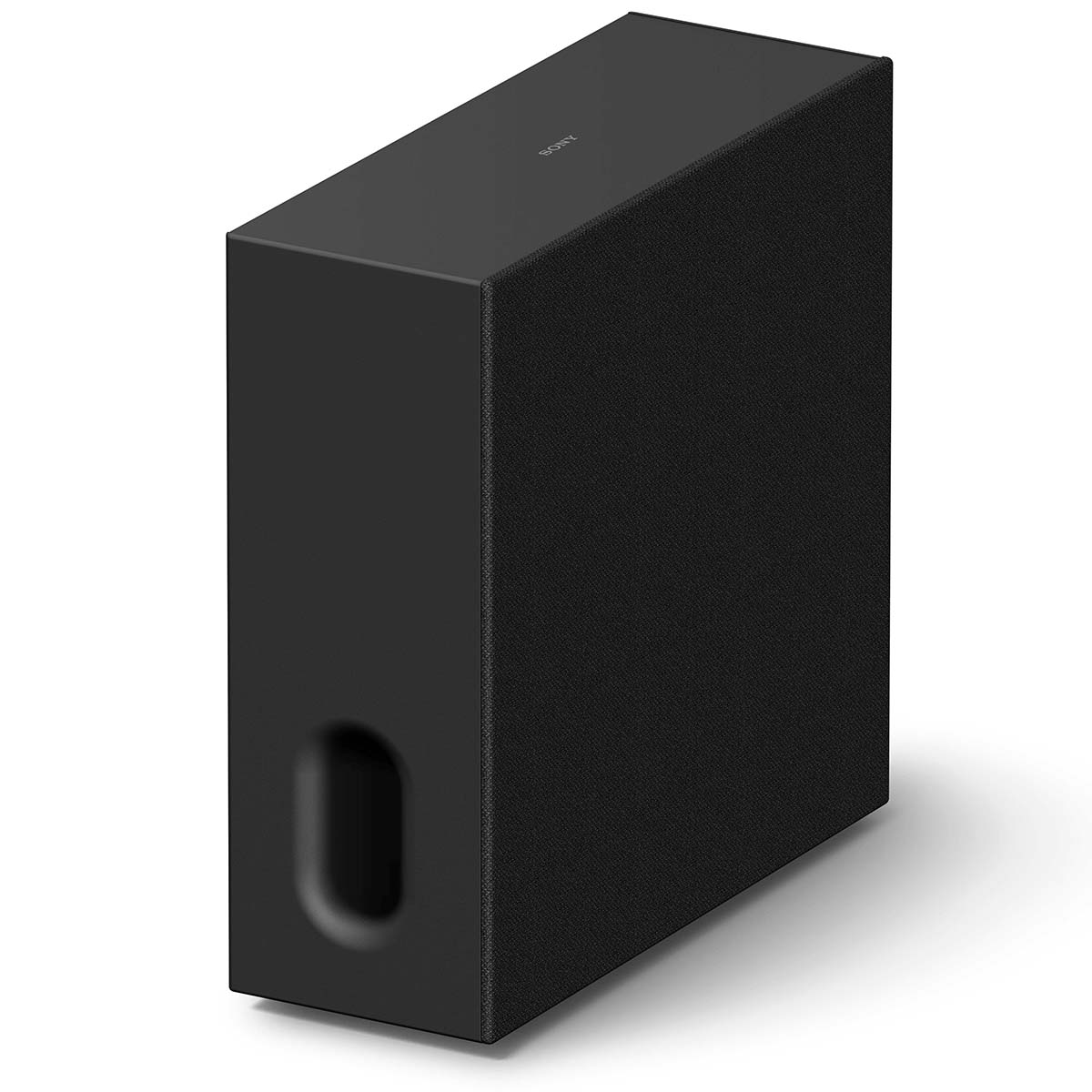
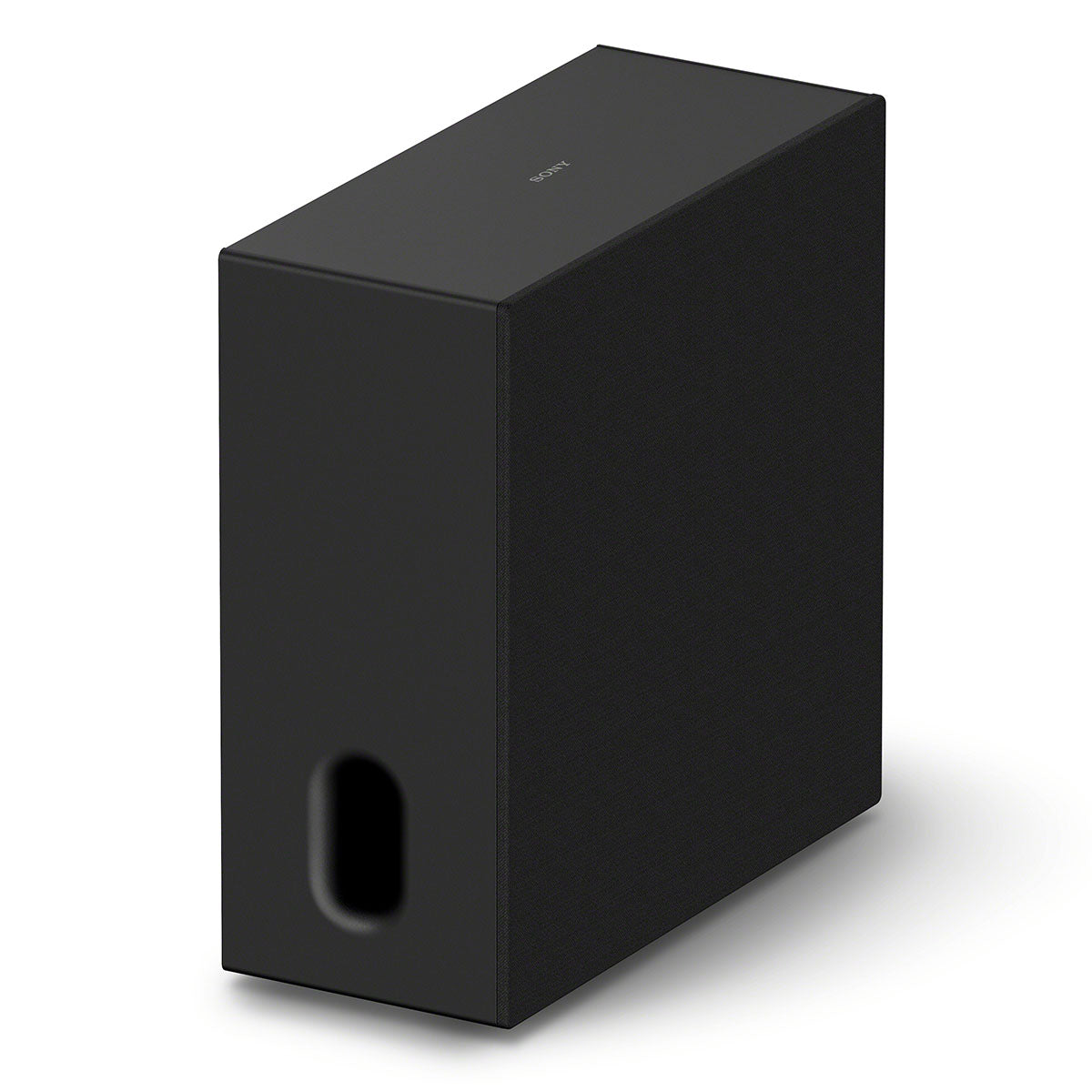
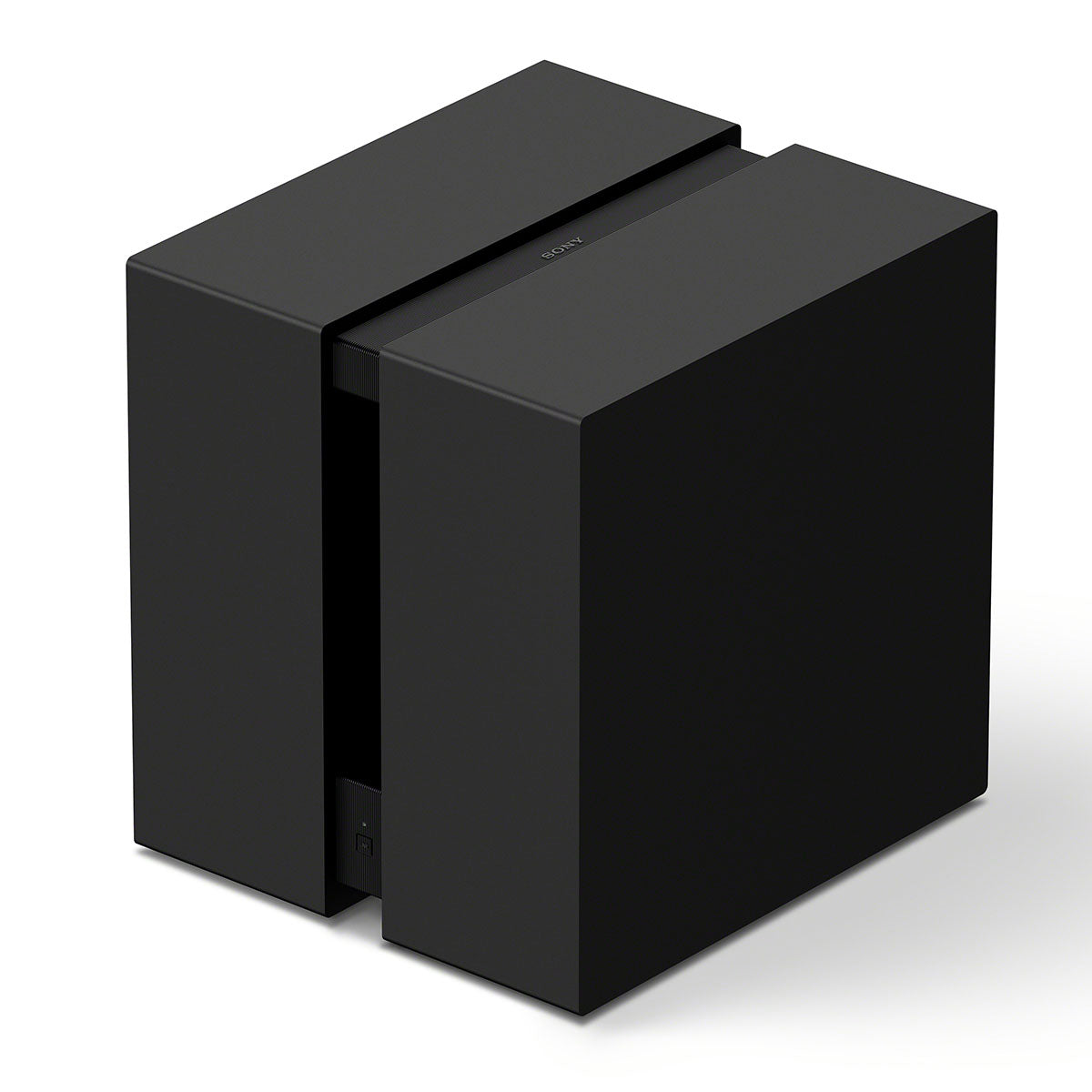
Sony BRAVIA Theater Sub 9

The Sub 9 is the flagship, with two opposing 200 mm drivers in a sealed cabinet. It's the model we'd look at for a larger room or someone who wants more substantial low-end impact from movies. We like having this option in Sony's wireless lineup, especially for an open living space where the smaller models may have more work to do.

Choose around the room as well as your listening level. An open living room connected to a kitchen can ask considerably more of a subwoofer than an enclosed room, even when the couch is close to the TV. Being in an apartment also doesn’t automatically make a small sub neighbor-friendly; playback level and building construction matter.

Why We Like the Sub 9 With the Trio

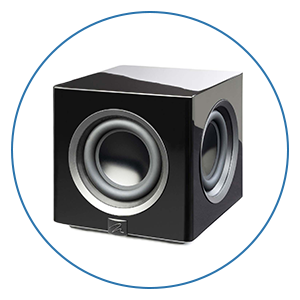
The BRAVIA Theater Sub 9 is the more substantial wireless subwoofer we’ve wanted Sony to offer. Its two opposing drivers help reduce cabinet vibration, and Sony rates its amplification at 600 watts. At about 51 pounds, it needs a proper place in the room.

Adding the Sub 9 gives movie effects the low-end support the compact front speakers can’t provide alone. Explosions have more weight, and bass notes and kick drums give music a fuller foundation. We’d adjust the level so the sub blends into the presentation rather than calling attention to itself during every scene.

Placement is crucial. Try more than one location and listen from the seats you actually use. A few feet can make a meaningful difference to the balance. The Sub 8 may be plenty for a smaller space, but it’s great to have the Sub 9 available when the room calls for more.

Can the Trio Use Two Subwoofers?

Yes. The Trio supports two matching Sub 7, Sub 8, or Sub 9 units. You can’t mix models in a dual-sub setup, as outlined in Sony’s dual-subwoofer compatibility guide. Older SA-SW3 and SA-SW5 subs are compatible individually with the Trio, but aren’t supported as dual-sub pairs on this system.

A second sub can provide more output and help reduce bass differences between seats. That improvement depends on placement and calibration, so two subs aren’t an automatic cure for a boomy room. We’d experiment with the first sub before buying another. The Trio also doesn’t offer the same level of manual bass-management control as a more advanced receiver-based system.


Rear 8 vs. Rear 9: Completing the Surround System

After a subwoofer, our next upgrade for movies would usually be rear speakers. The base Trio is front-focused. Adding surrounds gives ambience and effects physical speakers behind the seating area, making the experience much more enveloping.

The Rear 8 uses a rectangular 46 × 54 mm woofer and a 16 mm tweeter in each speaker. The Rear 9 steps up to an 80 mm front woofer, a 16 mm soft-dome tweeter, an 80 mm upward-firing driver, and a passive radiator. Its included wall brackets also provide swivel adjustment to aim the speakers toward the seats.

That upward-firing driver matches the size of the height driver in the Trio’s front speakers. For someone watching a lot of Atmos movies, the Rear 9 would be our choice because it adds height effects at the back as well as dedicated surround channels.

The Trio starts as a 3.0.2 system, or 3.1.2 when you add a subwoofer. Adding the Rear 8 pair gives you a 5.1.2 arrangement. Choose the Rear 9 instead and its extra height drivers bring the layout to 5.1.4. With two subs, that setup is commonly described as 5.2.4.

Two subs do not create a second independently authored LFE channel. The “.2” in that last description identifies the number of subwoofers in the room.

How 360 Spatial Sound Mapping Fits In

With compatible rear speakers, Sony’s 360 Spatial Sound Mapping combines the physical speakers with perceived phantom sound positions to fill out the sound field. Sony describes up to 24 phantom positions for the Trio’s mapping system. Those aren’t extra physical speakers or 24 independently installed channels.

The point is smoother movement and a more continuous sense of space around the seats. We think the combination of a sub and rears makes the Trio feel much more like a complete home theater. For a movie-focused room, we’d generally buy the surrounds before a second sub, unless uneven bass is the immediate problem you need to solve.

Sony BRAVIA Trio in a living room with other home theater speakers

Connections, Music Streaming, and BRAVIA TV Features

The center has one HDMI input for an external source and one HDMI output with ARC/eARC for the TV. It supports Dolby Atmos and DTS:X, along with high-bandwidth video passthrough including 4K/120Hz, compatible 4K/144Hz signals, and 8K/60Hz. VRR and ALLM are supported for compatible equipment. Your display, source, HDMI cable, and settings must support the format you want to use.

You can also connect sources to the TV and let it return audio through eARC. That’s convenient when you have more devices than the Trio’s single source input can accommodate. The TV’s audio passthrough capabilities will matter with that arrangement.

For music, there’s AirPlay, Spotify Connect, and Bluetooth. We prefer Sound Field processing off for much of our two-channel listening because it keeps the presentation focused between the front speakers. Other recordings can benefit from the larger presentation, so it’s worth comparing both settings with familiar music.

Compatible BRAVIA TVs add Quick Settings integration and Voice Zoom 3, which can adjust voices separately from the overall volume. The Trio also has a Voice mode for speech emphasis, Night mode for low-volume listening, and Audio DRC for reducing the gap between loud and quiet passages. A Sony TV isn’t required for normal HDMI operation, but these extra integrations depend on the TV model.

According to Sony’s speaker compatibility guide, IMAX Enhanced requires compatible rear speakers and a supported subwoofer. Sony excludes the Sub 7 from that feature, so choose the complete package accordingly if IMAX Enhanced matters to you.


Sony BRAVIA Theater Trio vs. Theater Quad

The Trio isn’t simply a newer Quad with a center added. The two systems put different pieces in the box.

The Trio puts its three included speakers across the front, with a dedicated center beneath the TV. The Quad includes four matching speakers, two in front and two behind, and uses a phantom center. That means the Quad gives you physical surrounds from the start, while the Trio leaves rear speakers as an optional upgrade.

The connections are handled differently, too. The Trio builds them into the center speaker, while the Quad uses a separate control box. Both systems can use the Sub 9 with compatible current software. The Trio also supports two matching current-generation subs; Sony's current dual-sub compatibility chart doesn't list the Quad.

We were very impressed with the Quad’s phantom center in our full Theater Quad review. Its dialogue never felt like a major compromise, and the matching speakers produced a cohesive surround presentation.

The Trio’s dedicated center is appealing, particularly if you want a physical dialogue source beneath the TV, but we wouldn’t tell every Quad owner to replace their system. If you already own the Quad and mainly want stronger bass, a Sub 9 is worth considering first.

For a new purchase, compare complete packages. The Quad includes surrounds from the beginning. The Trio needs rear speakers added before it offers the equivalent physical surround coverage. Both allow separate front left/right placement; that freedom isn’t exclusive to the Trio.


Pricing and Which Package We’d Buy

Budget for the system you expect to own, including speakers, stands or mounts, and any necessary cables. Here is how the cost builds using rounded U.S. component pricing.

The Trio is about $2,200 on its own. Adding one Sub 9 brings the total to roughly $3,100, and the Rear 9 pair takes that package to about $3,850. A second Sub 9 brings the complete setup to approximately $4,750.

These are planning figures before tax and accessories. Promotions and pricing can change; use the linked product pages for current offers.

For a movie-focused living room, we’d start with the Trio and one appropriately sized sub, then add rears. The Sub 9 and Rear 9 package would be an appealing place to stop if bass is already balanced across your seats. We’d add a second sub when the room or desired output gives us a reason.

At this price, an AV receiver and conventional speakers deserve a comparison. A receiver offers more speaker choices, connection options, and room for future changes. More advanced models also provide more extensive bass management. If you’re building a dedicated theater and can plan wiring before the walls are finished, that route is especially attractive.

The Trio makes a strong case in an existing living room where you want separate speakers but don’t have a convenient place for a receiver or speaker-wire runs. If fewer visible components are the priority, compare a good soundbar package as well. Our soundbar buying guide can help narrow down those alternatives.


Overall Recommendation

We really like the choice Sony has created with the BRAVIA Theater Trio. It gives you a wide, adjustable front speaker arrangement, a dedicated center for the center-channel soundtrack, and a clear path to surround and height channels without a traditional receiver. The Sub 9 is a welcome addition to the ecosystem, and the Rear 9 speakers are the upgrade we’d prioritize after the first sub for movies.

The Quad remains an excellent option if you want surrounds included and appreciate the consistency of four matching speakers. A receiver-based system is still worth serious consideration for a dedicated room. But if you’re putting a home theater into an existing living space and want the convenience of wireless audio connections, the Trio offers a compelling combination of placement freedom and expansion.


We’re Here to Help!

If you’re deciding between the Trio, Quad, a soundbar, or a receiver-based system, our team can help you choose around your room, listening habits, and budget. Contact our experts by chat, phone, or email, or visit an Audio Advice showroom to explore the options with us.

Planning a larger project? Explore our Home Theater Central resources and free Home Theater Design Tool for help thinking through the room and speaker layout.

Audio Advice has helped people enjoy better sound since 1978. Shop with our price guarantee, expert lifetime support, and free shipping on eligible orders, with a team ready to help before and after your purchase.

Frequently Asked Questions

Does the Sony BRAVIA Theater Trio need an AV receiver?

No. Its three speakers have built-in amplification, and the center handles the TV connection and system processing. Each speaker needs electrical power.
Does the Trio include a subwoofer or rear speakers?

No. The base package includes the left, center, and right front speakers. Compatible subs and rear speakers are optional purchases.

Is the Trio a 5.1.4 Dolby Atmos system?

The base Trio has a 3.0.2 physical driver layout. Add one sub and a pair of Rear 9 speakers to create a 5.1.4 arrangement. Rear 8 speakers add surrounds but no rear height drivers.

Can you use two Sub 9s with the Trio?

Yes. The Trio supports two matching Sub 9s, two Sub 8s, or two Sub 7s. You can’t mix those models in a dual-sub pair, and two older SA-SW3 or SA-SW5 subs aren’t supported on the Trio.

Does the Trio work with a non-Sony TV?

Yes. Use the TV’s HDMI ARC or eARC connection. Features such as BRAVIA Quick Settings integration and Voice Zoom 3 require a compatible Sony TV.

Is the Trio better than the Quad for dialogue?

The Trio has a dedicated center, which can help keep dialogue near the screen across a wider seating area. We also liked the Quad’s phantom center very much. A dedicated center alone doesn’t guarantee better clarity in every room or seat.

Should you add rear speakers or a second subwoofer first?

For most movie-focused setups, we’d add rears after the first sub. They give you physical surround channels, and the Rear 9 adds rear height effects. A second sub is worth prioritizing when bass varies significantly between seats or you need more output.